Battling to Join Insider Preview?

On this page3 sections ▾
Today I tried to join one of my machines to the insider preview. Most people if they get issues would probably take it as a sign that putting the broken bits on their machine was a bad idea and the universe has saved them…I need my broken bits fix 🙂.
#The problem was…
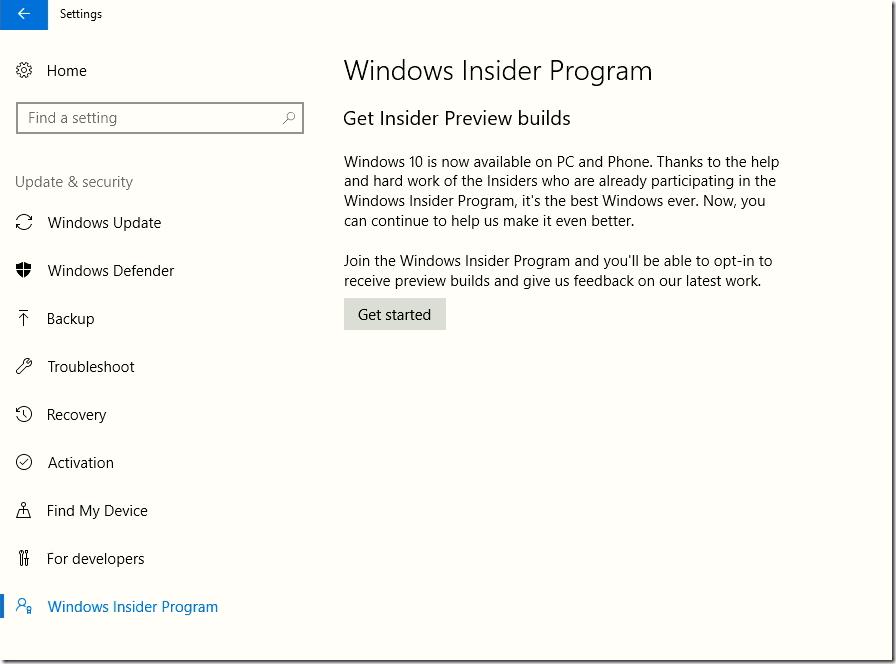
Well it all started out like normal, I went to the Windows Insider Program tab and clicked on Get started
Generally this just works but this time I received a message that said "You need an account registered in the Windows Insider Program to get Insider Preview builds. Register this account, or switch to one that is already registered.
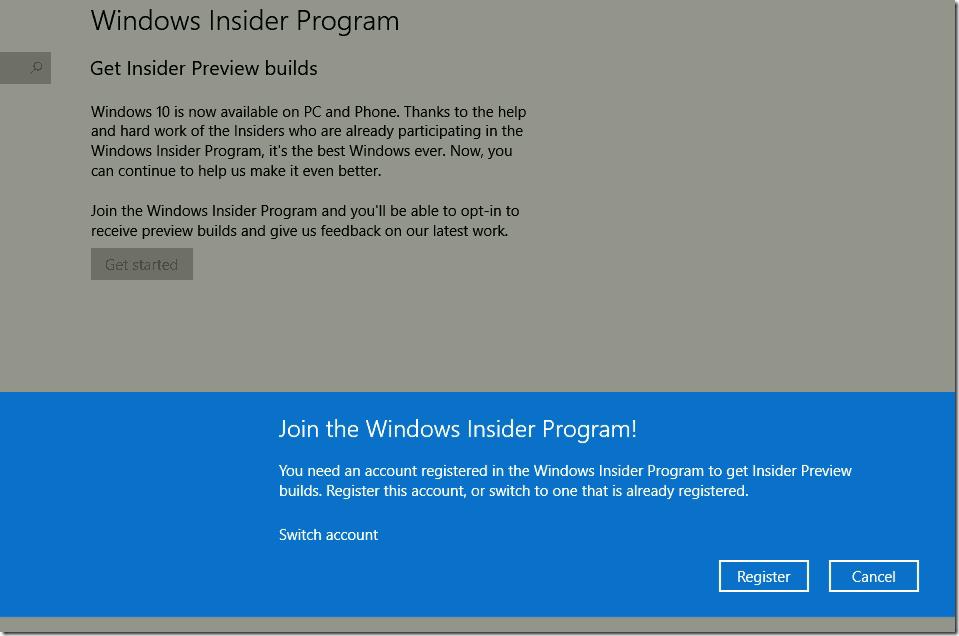
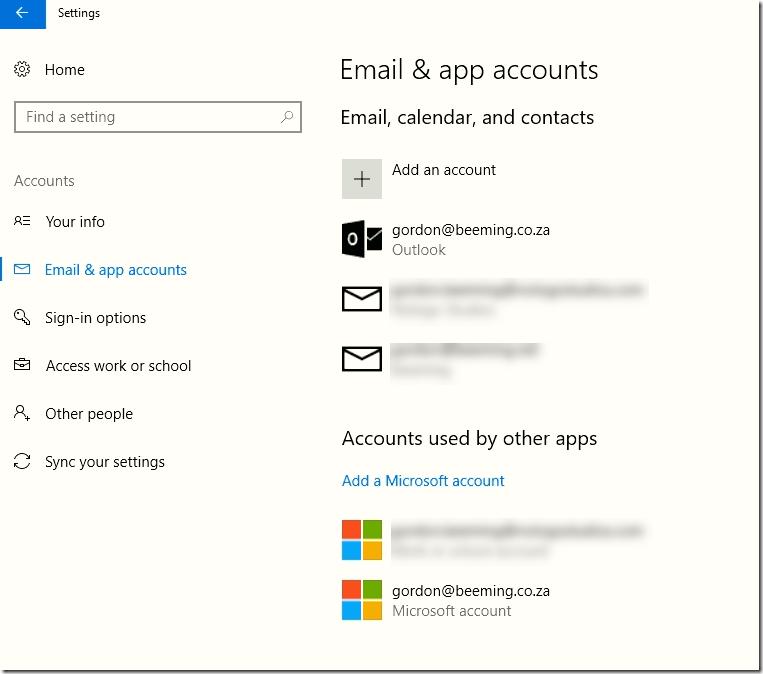
I tried to click on the switch account but for some reason that did nothing, maybe it's supposed to be a button or something? I checked my accounts and my regular MSA was in my accounts which is how it's always worked before
#The fix is to…
My fix involved a little Bing search which landed me on this page where I found a little reg file that would opt you back into the insider program builds
Windows Registry Editor Version 5.00

; Created by: Shawn Brink
; Created on: May 20th 2016
; Tutorial: http://www.tenforums.com/tutorials/12316-insider-builds-start-stop-receiving-windows-10-a.html


[HKEY_LOCAL_MACHINE\SOFTWARE\Microsoft\WindowsSelfHost\Applicability]
"EnablePreviewBuilds"=dword:00000002
"IsBuildFlightingEnabled"=dword:00000001
"IsConfigExpFlightingEnabled"=dword:00000001
"IsConfigSettingsFlightingEnabled"=dword:00000001
"SuspensionStartTime"=-
"SuspensionEndTime"=-
Basically just save that to your machine somewhere, right click on the file and select merge
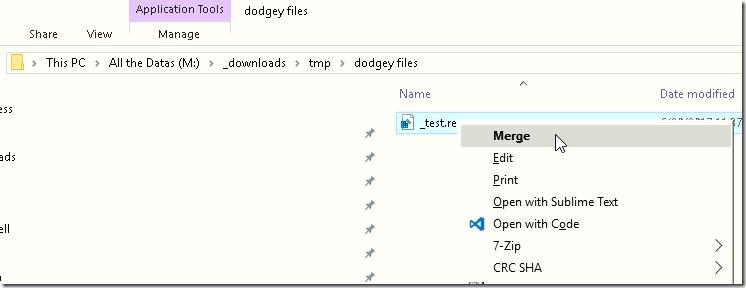
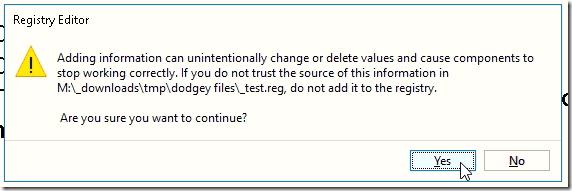
You'll probably be asked if you sure you want to do this, click Yes
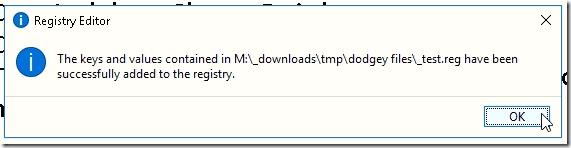
You then get a success (hopefully 🙂)
If you navigate back to your windows insiders program tab (change away and back again if you never left it)
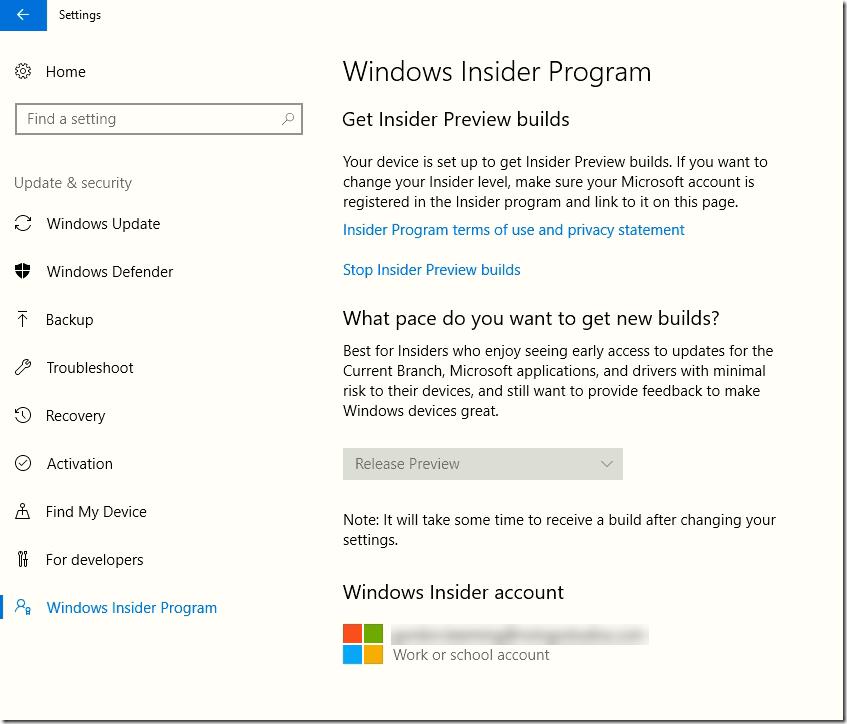
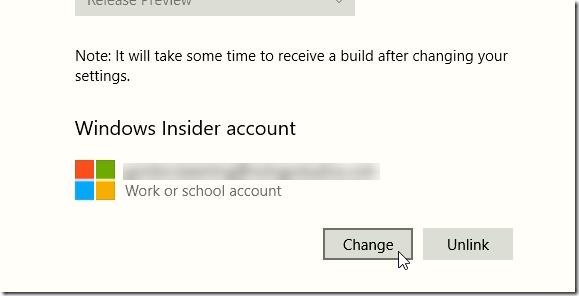
You will see that the account windows has selected is probably not the MSA you usually use for Windows Insider Program. Click on the account and then click on Change
Select your regular MSA from the account list
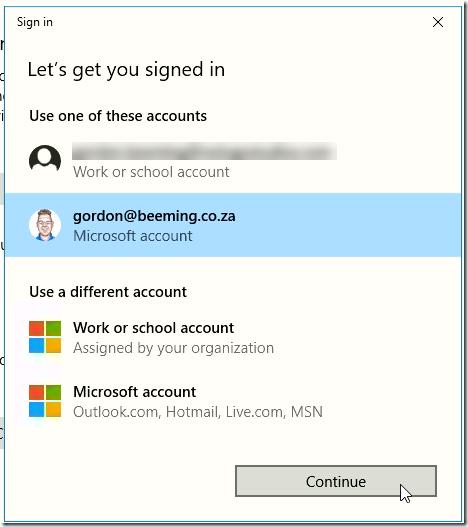
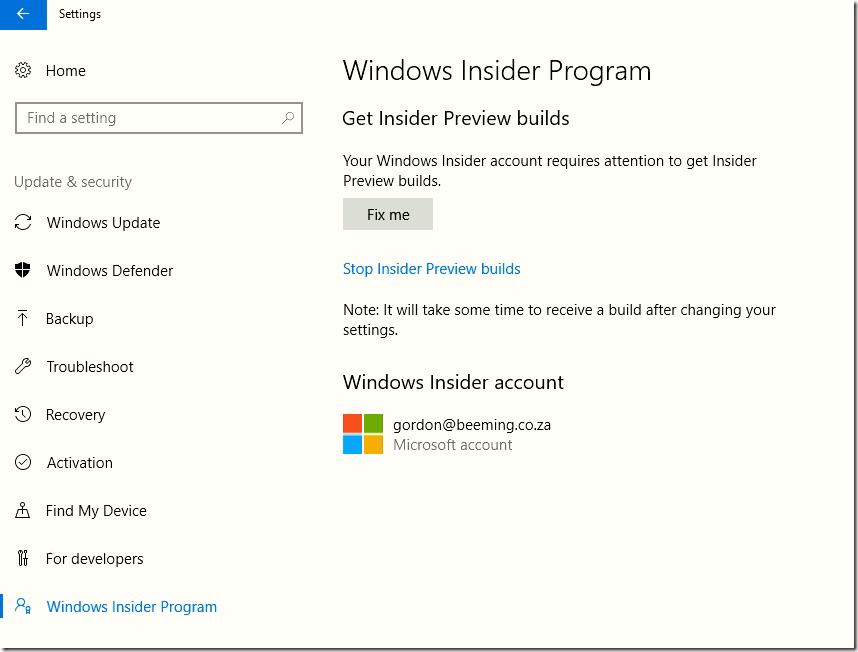
Windows now says that the config needs some fixing so go ahead and click Fix me
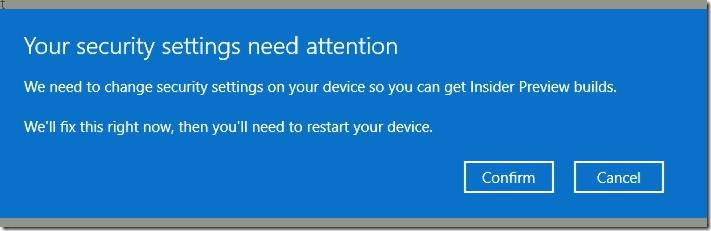
Finally click Confirm to allow the change
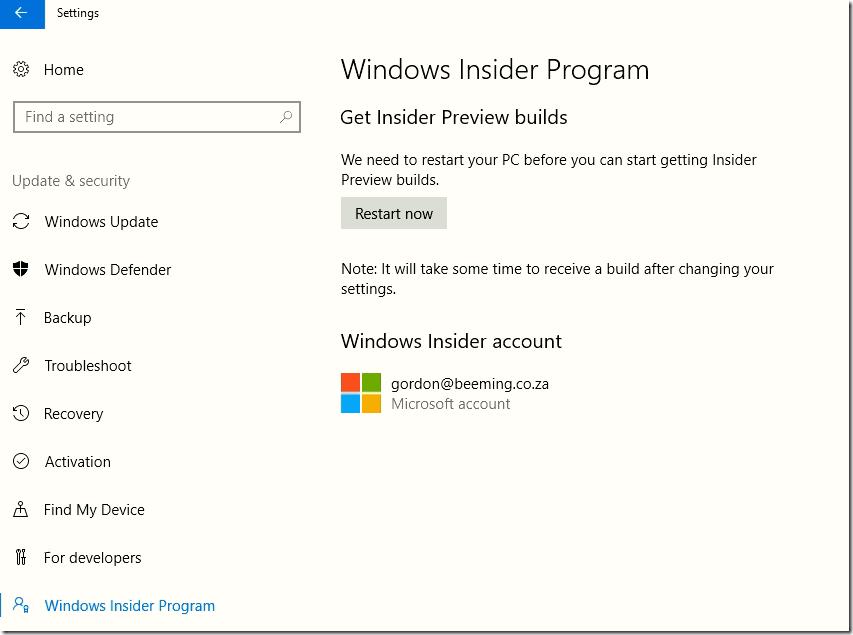
After a standard reboot you are ready to receive your insider builds 😁
#Conclusion
This probably wasn't all necessary as I'm assuming that it's a random coincidence that I couldn't click the switch account link (I did "turn it off and on again") but failing that link being clickable you now have a solution to still get your insider builds now.