Video: My development workflow with GitHub Copilot and Gemini

On this page3 sections ▾
I've been using several AI tools for development, with different roles for planning, prototyping, and implementation. This talk covers that workflow and the Docker sandbox I use for Copilot CLI.
Below is the recording of my talk at the SSW Brisbane User Group where I walk through the tools I use (including a custom Dockerized CLI) and why I think the "10x developer" idea is less about typing speed and more about knowing which agent to point at a problem.
#Key concepts
If you don't have time to watch the full session, here are the core ideas I cover:
I spend time planning and checking the work before asking an agent to implement it.
Gemini's context window lets me give it a long, rough description of what I'm thinking. I use it to organise that description and question my assumptions.
I also use those planning conversations to draft ADRs and specifications, then review them alongside the implementation.
#Which tool I use for each task
Each tool has a different role in my workflow.
The IDE (Visual Studio / VS Code) is for deterministic tasks: renaming, refactoring, moving files. I prefer the IDE's built-in refactorings for these operations and check the resulting diff.
Gemini handles creative work and planning. If I'm generating a new service from scratch or working through architecture decisions, that's where I start.
GitHub Spark is for prototyping. I used it to spin up a React app for my wife's portfolio — the goal there is just getting a visual base quickly, not production code.
Tina CMS handles content. It decouples content management from the codebase so I can use a visual editor while keeping everything in Git.
#Running Copilot CLI in a sandbox
Copilot CLI can run commands and change files. I use a Docker container to limit the files available to it and mount some paths read-only.
That setup is part of copilot_here.
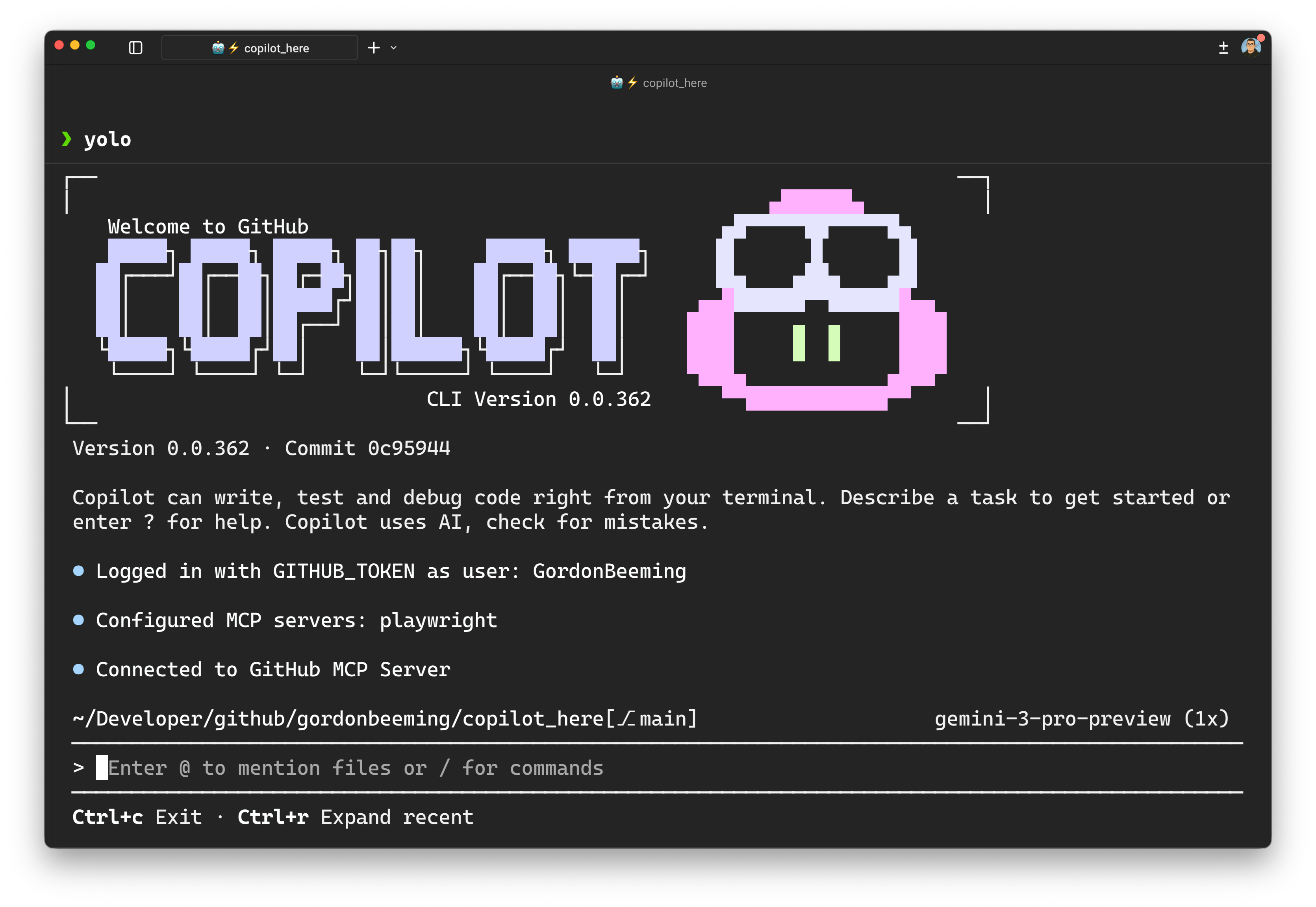
#How it works
The CLI runs inside a Docker container, not on my host machine. Critical paths — like .git folders or core domain logic — are mounted read-only, so the AI can use them for context but can't touch them.
The real benefit: because the environment is sandboxed, I can turn off the constant "Are you sure?" confirmation prompts. That's what I call YOLO Mode. The agent runs in the background on its own while I'm working on something else, without interrupting me every 30 seconds.
The recording includes the prompts and copilot-instructions.md files I use to share these workflows with the team. The sandbox lets the agent work within configured file permissions while I review its output.