Easily adding auditing to a Entity Framework Code First project

On this page1 section ▾
If you've done any amount of development where you need to interact with data you'd know that at some point customers or stakeholders always want to know who made that change or when was that change made. To answer these questions you'd look to your auditing which in most cases is the last thing people think about adding into their apps for some reason.
This post will show you how to easily do auditing with entity framework projects. We'll also mention a little gotcha found and a sort of hack around fixing it.
#Setup
We going to do some setup first for anyone following along from scratch but feel free to skip to the implementation part to see the auditing specific bits.
#Project
First off we going to create a new ASP.NET Web Application
and we'll choose the MVC template
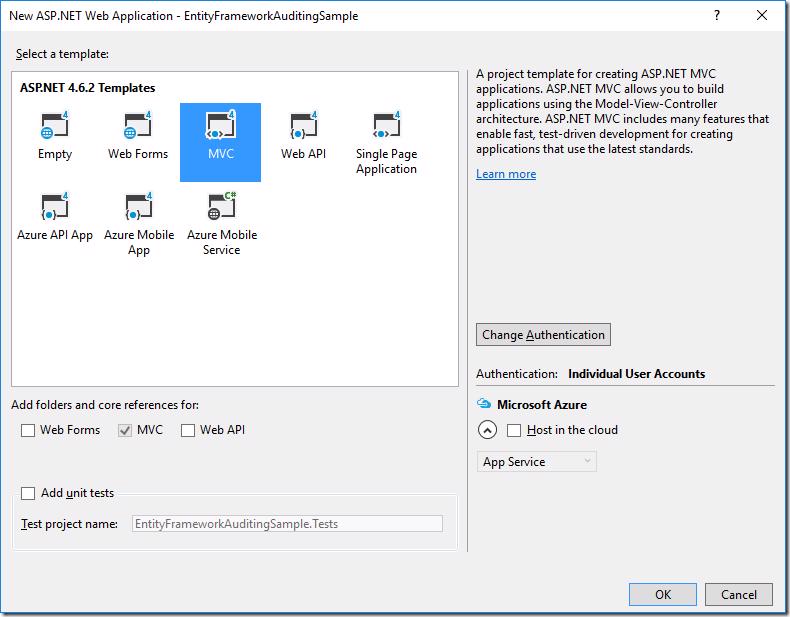
If we look in the IdentityModels.cs we'll see a ApplicationDbContext class that's we'll just add to for this sample
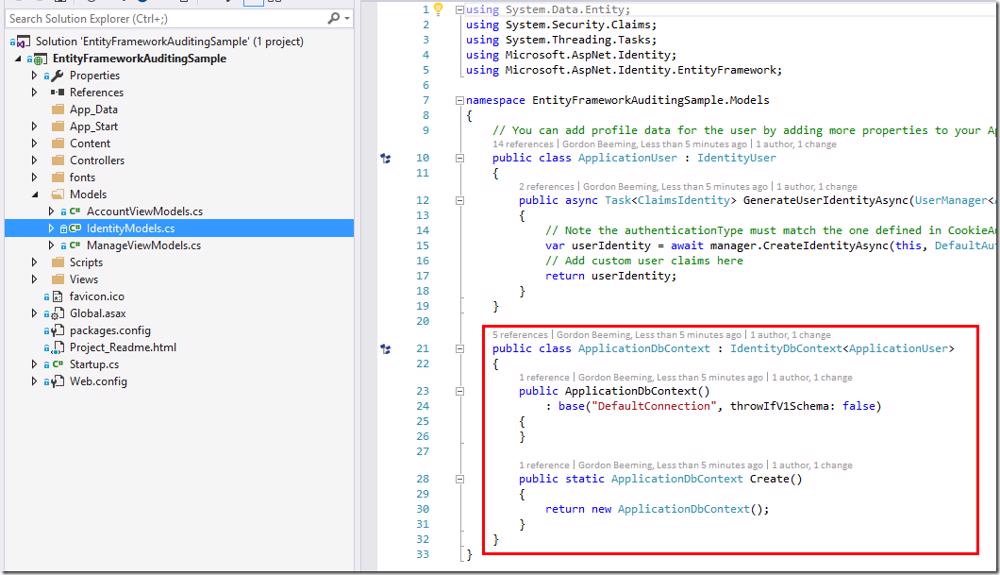
Let's pull that out into it's own class file to make it easier to find 🙂
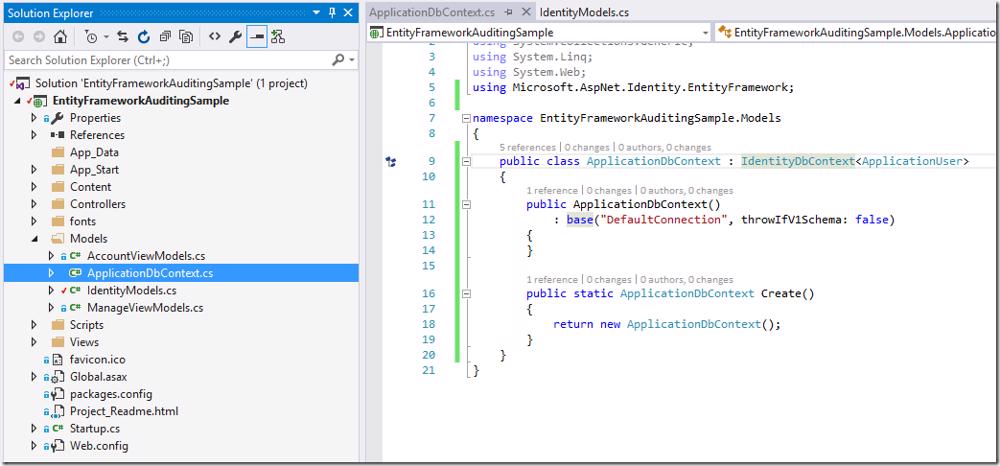
Our project is ready to use now
#Scenario
We going to create a simple contact list that we'll scaffold. To do this we'll start by creating a new class in the Models folder called Contact and we'll add some basic properties to it
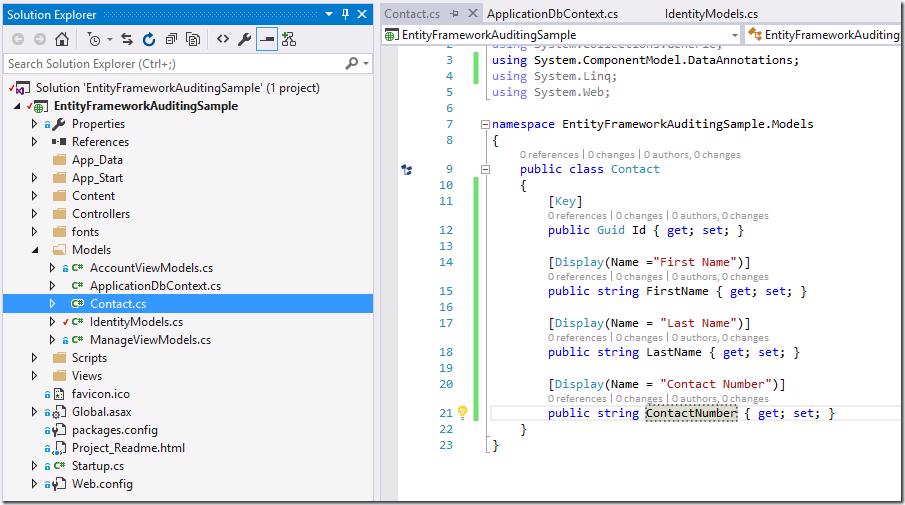
Next Build your solution and then add a new MVC 5 Controller with views, using Entity Framework
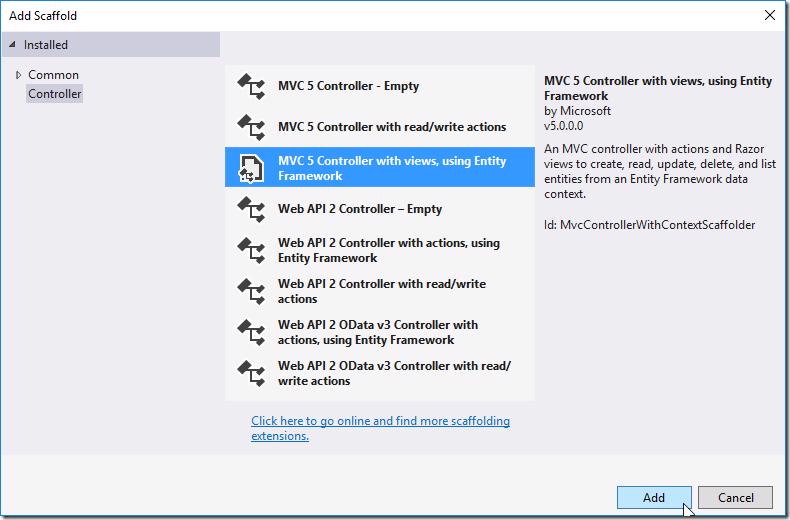
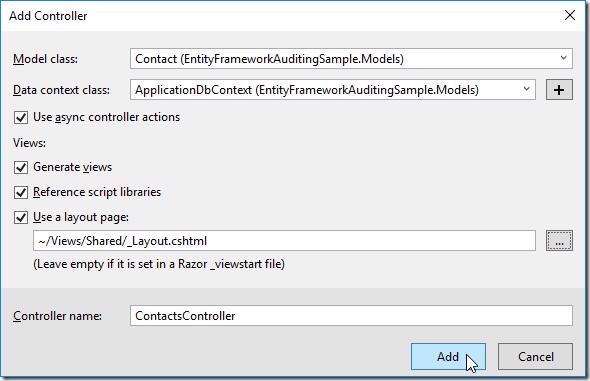
Next select the
- Contact class as the Model
- ApplicationDbContext class as the Data context
- Use async controller actions if not ticked
- Default layout page if it's blank
- Name of the controller as ContactsController
Your solution should be able to run, browse to /Contacts
You will see all the CRUD that was generated for us and it should all work