How do I fix HTTP Error 502.5 - Process Failure when hosting in IIS with dotnet core

On this page3 sections ▾
I received a new error today that I haven't received before when deploying dotnet core apps. It was as the title suggest a "HTTP Error 502.5 - Process Failure" error
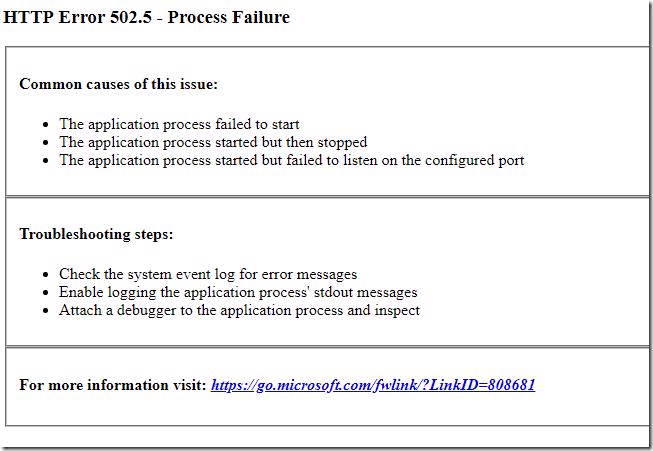
None of the suggestions had any affect and hours of Googling also didn't help either until eventually I came across a solution that worked
#The Solution
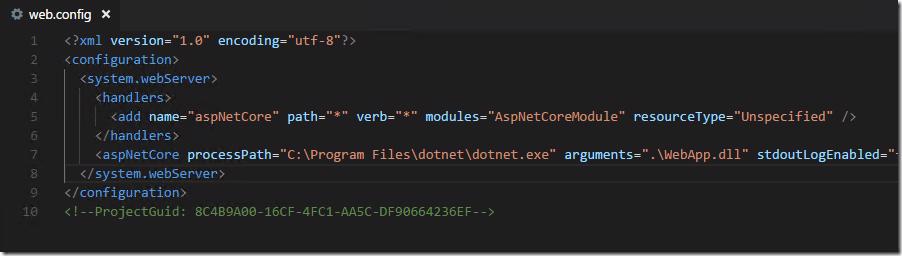
I eventually found a solution on the aspnet / Hosting repo on GitHub on issue number #1234 (funny enough it feels made up but isn't). jdownie posts the following solution
Man! I finally worked this one out (in my instance) and I found that web.config had
processPath="dotnet". I had to go into cmd.exe to run where.exe (because that means
something else in powershell now) and located dotnet in C:\Program Files\dotnet\dotnet.exe.
I then set processPath="C:\Program Files\dotnet\dotnet.exe" and voila! Mind you, I
had changed about 500 other things trying to work it out, so there might have been
other factors at play. Just posting what I found FWIW.
Although that solution worked for me it wasn't good enough. The problem here is that I deploy everything through TFS or VSTS so I couldn't just manually set the value.
#My Solution
Although hacky, my solution works for me. similar to how the solution above worked for jdownie 🙂. I'm lucky enough to be able to place an agent on my web server so I can run this method otherwise unzipping, hard coding the value from the build server and zipping up the publish package can also work.
Basically what I have done is after I web deploy I have a final phase which checks the machine Paths environment variable and sets the processPath to the first path it finds that contains dotnet.exe in it
param([Parameter(Mandatory=$True)][string]$config)

if (-not (Test-Path -LiteralPath $config))
{
	Write-Host "##vso[task.logissue type=warning;]No web.config found at '$($config)'."
}
else
{
	Write-Output "Loading config file from $($config)"
	$xml = [xml](Get-Content $config)
    	$Paths = [Environment]::GetEnvironmentVariable("Path","MACHINE").Split(';')
	$DotNetPath = ""
	foreach($Path in $Paths)
	{
		$DotNetPath = "$($Path)dotnet.exe"
		if (Test-Path -LiteralPath $DotNetPath)
		{
			break
		}
	}
	if (-not (Test-Path -LiteralPath $DotNetPath))
	{
		Write-Host "##vso[task.logissue type=error;]can't find dotnet.exe."
	}
    	$xml.configuration.'system.webServer'.aspNetCore.SetAttribute("processPath",$DotNetPath)
	$xml.Save($config)
}
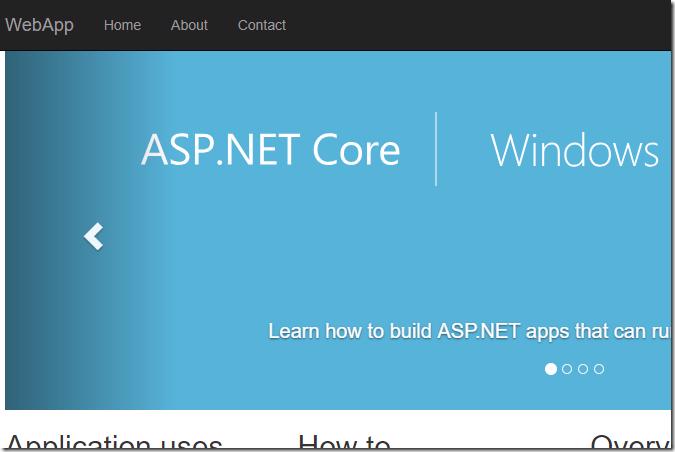
Now on every deploy I have a running site that is guaranteed to have a valid dotnet.exe value
and I guess more importantly a running site 😜
#Conclusion
dotet core although getting mature is not quite there in all aspects and you are going to hit some issues with it that you wouldn't expect.
The great thing about this is the support from the community and Microsoft is brilliant and the decision to go dotnet core would not be a bad one 😁.
It also appears that something was wrong on the server which is why dotnet.exe wasn't being picked up even after a reboot but that's a investigation for another day