Building a portfolio site with Gemini, GitHub Spark and Copilot

On this page5 sections ▾
I built a new portfolio website for my wife, Tiani Beeming, using Gemini to develop the specification, GitHub Spark to generate the initial UI, and GitHub Copilot to work through implementation tasks. The site took about five hours after I'd put it off for roughly ten years.
I'm mostly a backend developer. Getting a portfolio to look right was a large part of why I'd delayed it, and my earlier attempts with v0 and B0lt hadn't produced code I could use in the project. Spark gave me a React starting point I could run and push to a repository. From there, the work was refactoring, reviewing changes and adjusting the UI.
#Planning the site with Gemini
I had a back-and-forth with Gemini about the portfolio gallery, filter labels and contact page. I treated it as a way to develop the requirements, asking it to consolidate the decisions into a specification.
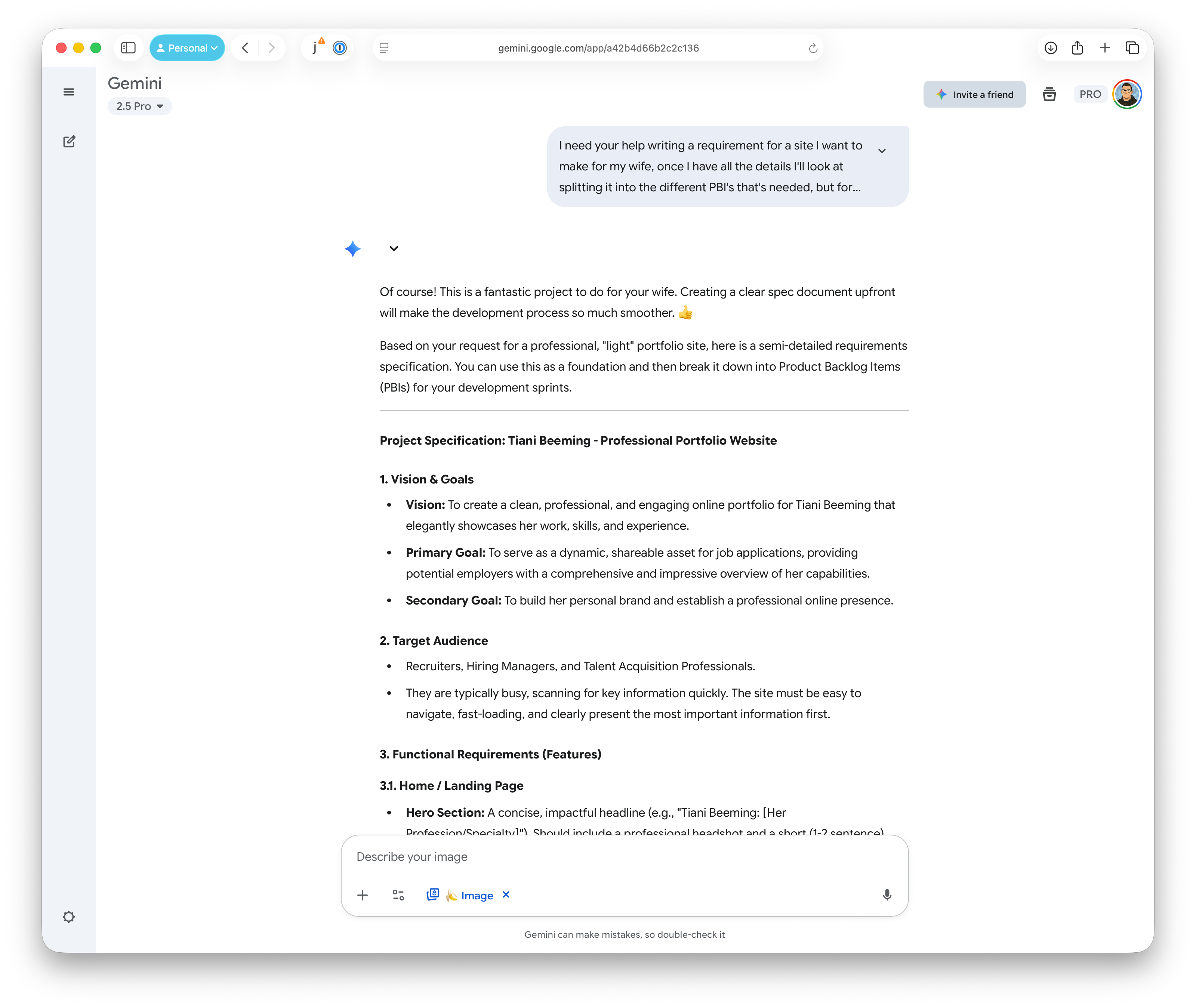
That document became the prompt for Spark. I pasted the full specification rather than summarising it again, so the generation had the details we'd already worked through.
#Generating the React frontend
Spark produced a functional React frontend in under five minutes. It was a useful starting point, although the application was still in one large App.tsx file.
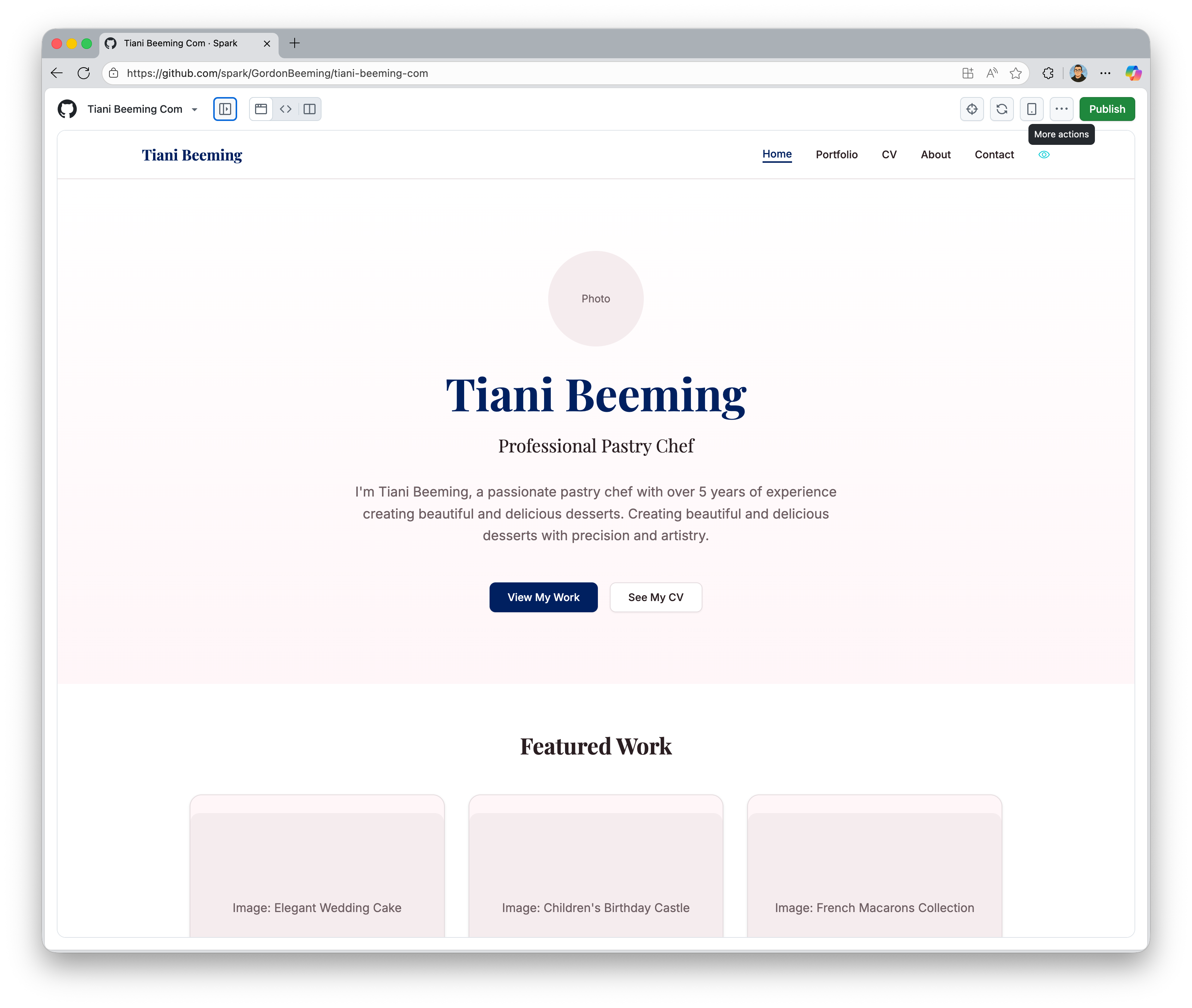
Before assigning separate features, I needed to split that component into pages. I'd found in my URL shortener project that Copilot was easier to review when each issue described a specific task.
#Refactoring before working in parallel
I asked Gemini to write a PBI to refactor the monolithic component into a multi-page application using React Router DOM. I created a GitHub issue from that PBI and assigned it to Copilot.

Once the pages were separated, I could work on styling while Copilot handled a feature on its own branch. At one point I had two local clones: one for the agent and one for my work. I still reviewed the agent's changes and used the time in the codebase to understand the components Spark had generated.
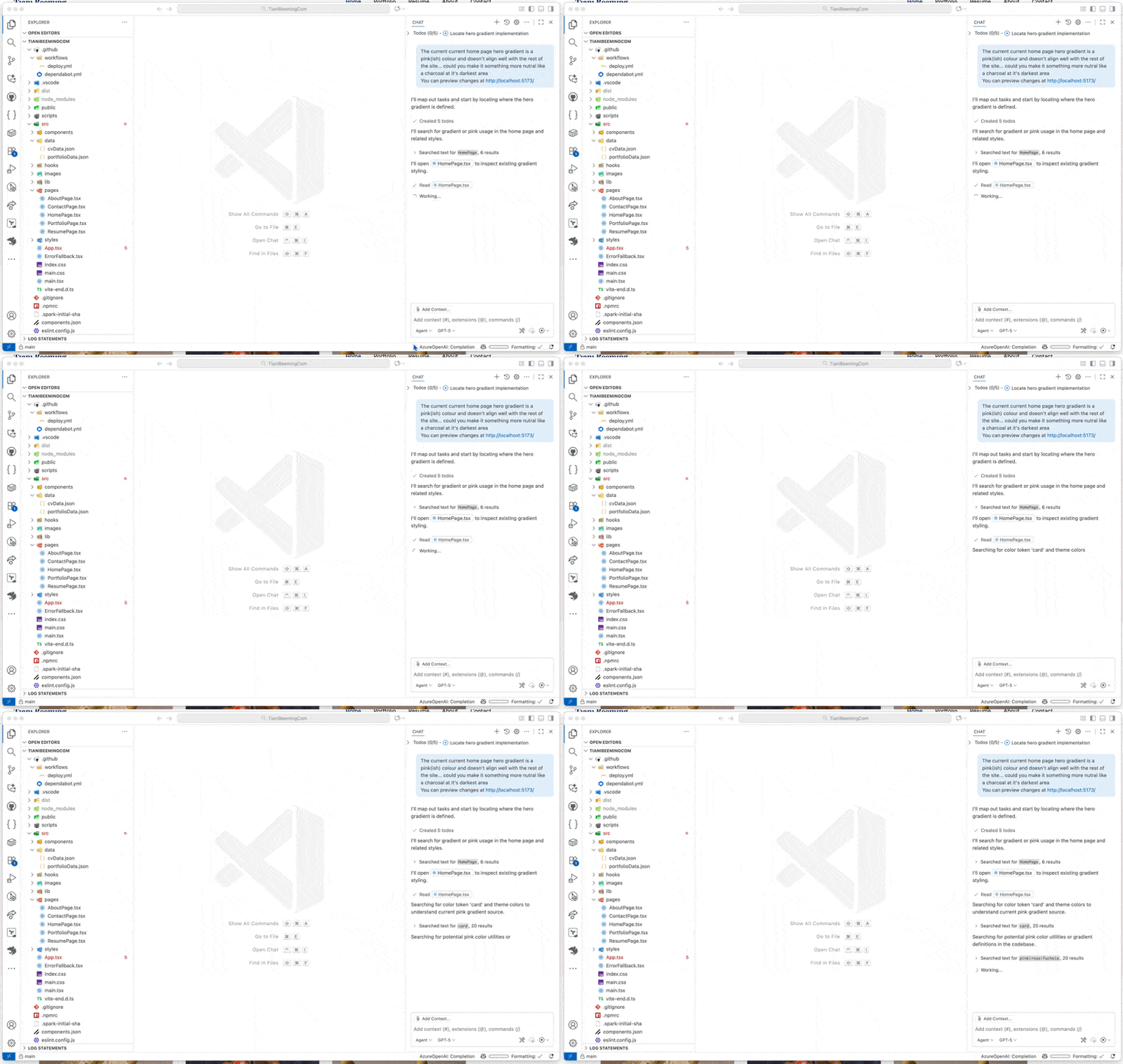
Parallel work helped because the tasks could progress independently. I only ran as much at once as I could keep track of; reviewing and integrating the changes was still my responsibility.
#Using a React prototype for a Blazor component
After the portfolio was live, I tried a related workflow on another project. Spark had generated a React proof of concept, but the target application used Blazor and an existing control library. I asked Copilot to re-implement the UI using that library.
It took several rounds of PR review. I pointed out styling differences and missing logic, and Copilot revised the component.
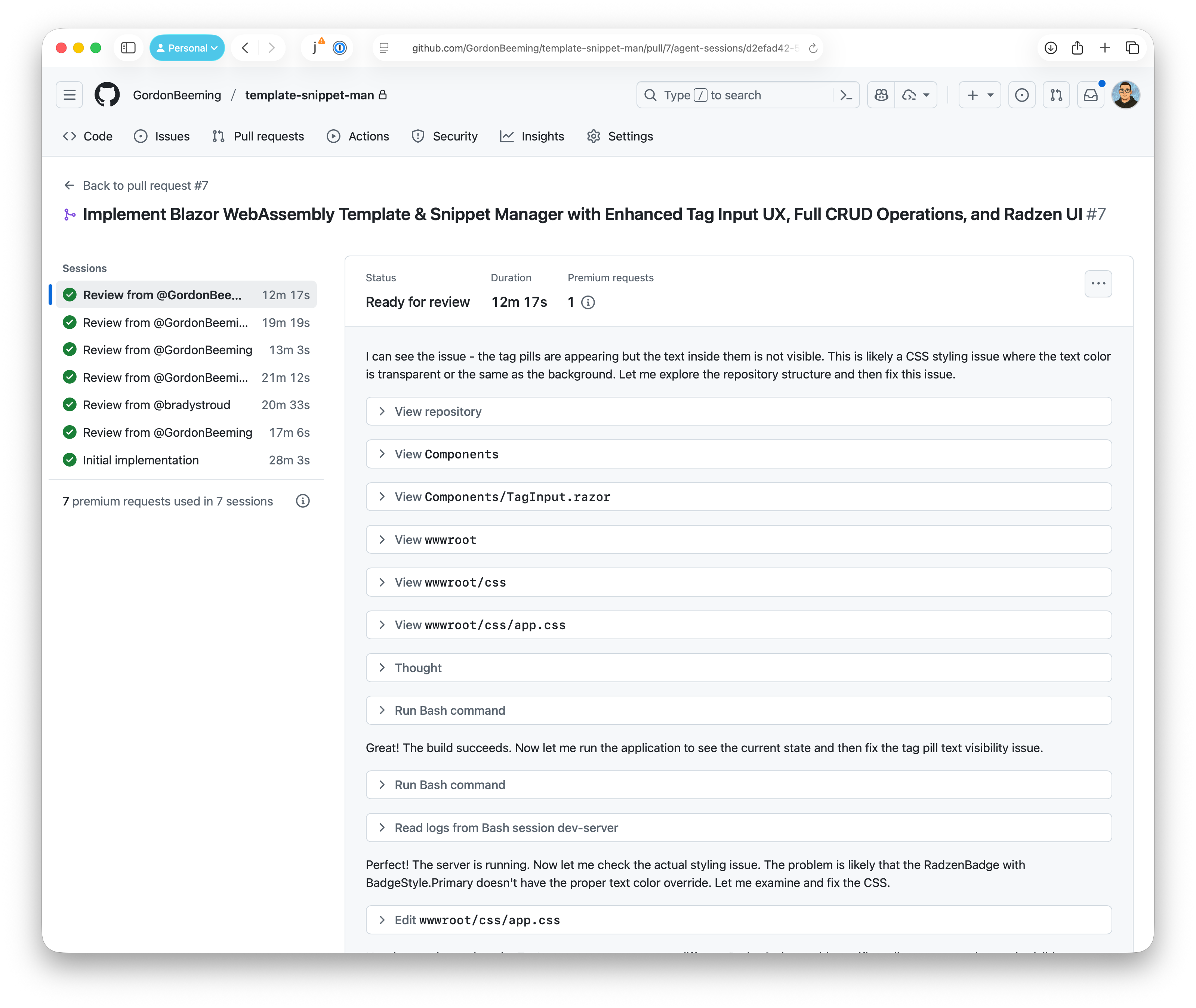
The React prototype gave the agent a concrete UI to work from. That made it useful even though the final application used a different framework.
#Reviewing the work
A conversation with Daniel Mackay helped me describe what this felt like. I don't remember his exact wording, but we compared reviewing an agent's work with mentoring a junior developer: give it a clear task, expect to review the first attempt, and explain what needs to change.
I've used “10x developer mindset” to describe helping others get more done as well as using AI effectively. The useful part of that idea here was fairly concrete. I spent time defining tasks and giving feedback while the tools handled more of the implementation. The portfolio was live, and the workflow I'd keep was a detailed specification, separate tasks and a review loop for each change.