Connecting Test Manager to VSTS

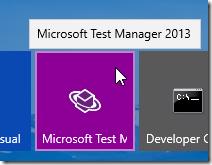
So for the developers we have connected Visual Studio to VSO but what about something for the QA guys. Well we all know that they spend a lot of time in Microsoft Test Manager so here's how you connect MTM to VSO. Open Microsoft Test Manager
MTM will open asking you to choose a Team Project, your Team Project Collection and Team Project should be in the list, if it's not then click Add Server
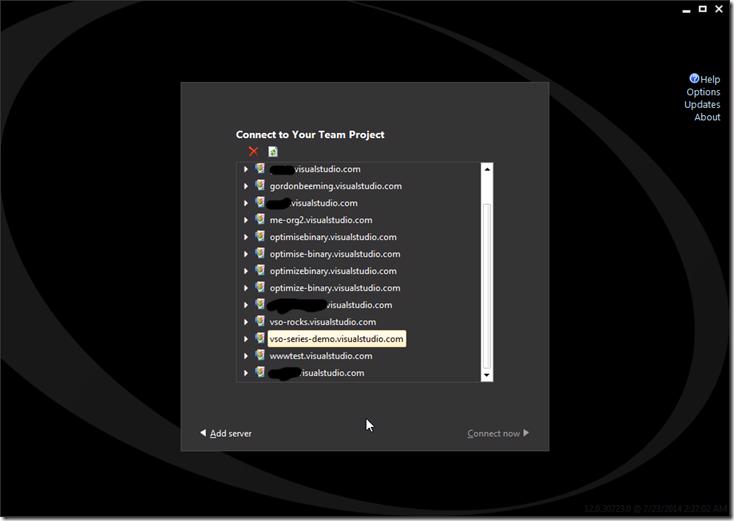
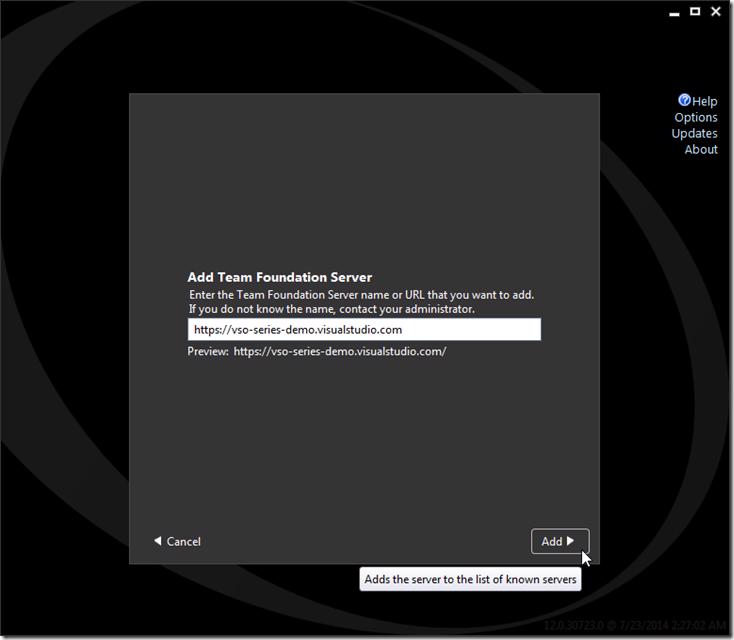
You will then be asked for the url, enter the full url that is shown on your account page and click Add
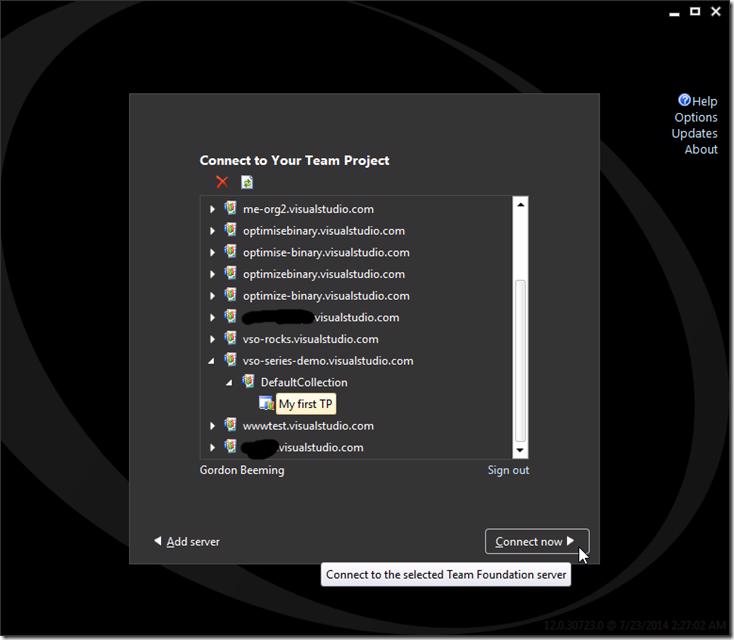
The Team Project Collection list will now refresh, select your Team Project Collection and Team Project that you want to connect to and click Connect now
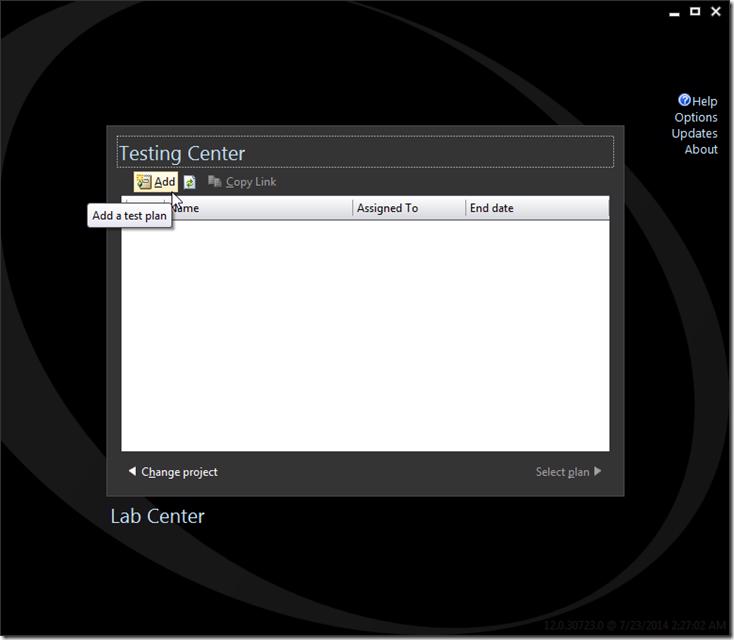
Your MTM client is now connected to Visual Studio Online and you can now add/connect to Test Plans and then manage your testing "bits"