Creating Iterations in VSTS

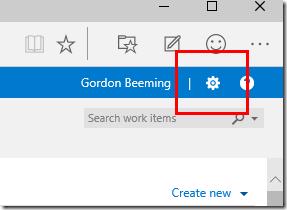
Click on the gear icon in the top right corner of VSO
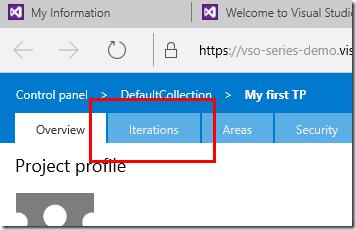
Then click on Iterations
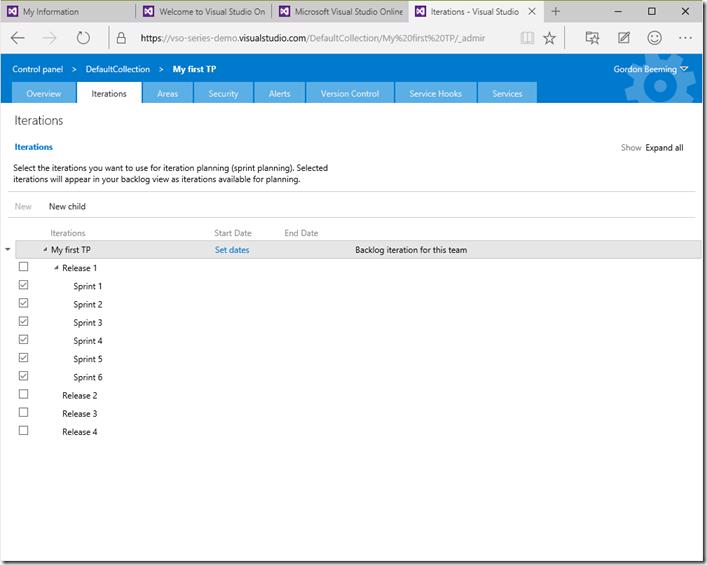
You should now see your Iterations for this Team Project
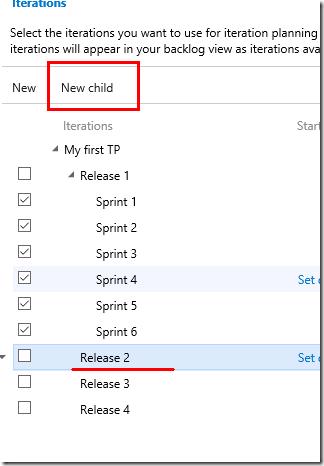
From here you can add New child iterations to an existing iteration
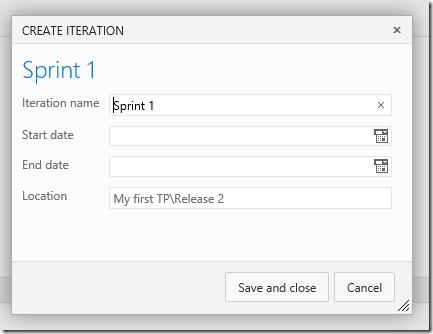
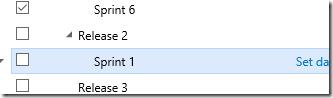
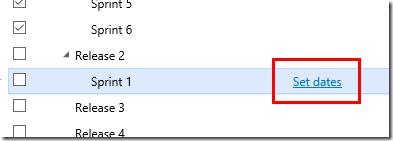
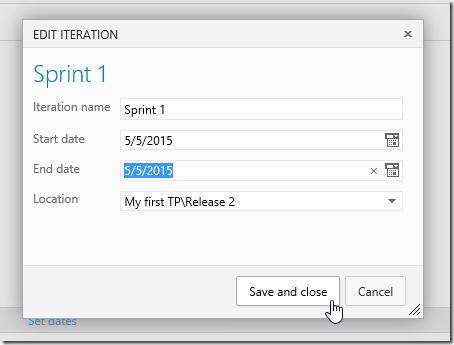
Set Iteration dates
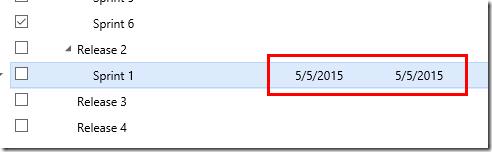
Move sprints around with drag and drop
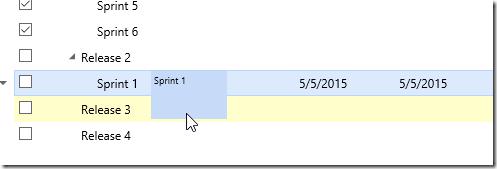
and select which Iterations are currently visible for this team (not Team Project)
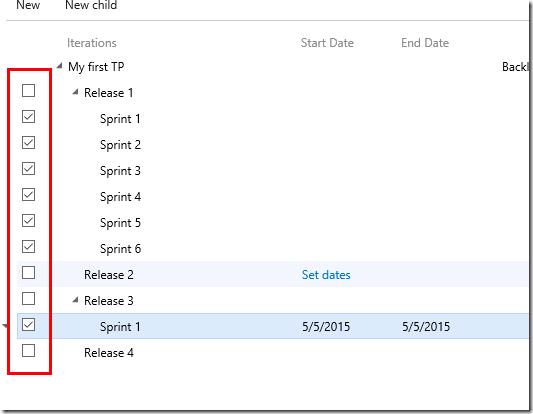
You can see this updating if you look at the work tab. You can also add new Iterations in line with the currently selected one by clicking on New, fill in sprint details as before and click Save and close
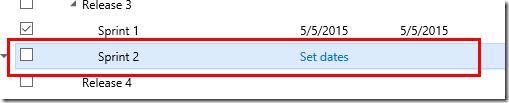
All the operations mentioned above are also available from a context menu by right clicking on any iteration or clicking the little arrow to the left of the Iteration
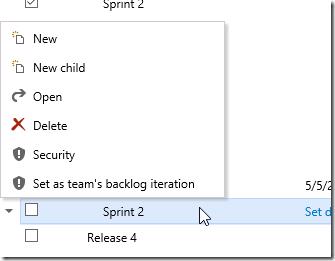
And as you can see in the context menu you can set the team's backlog iteration, just right click on a iteration and choose Set as team's backlog iteration
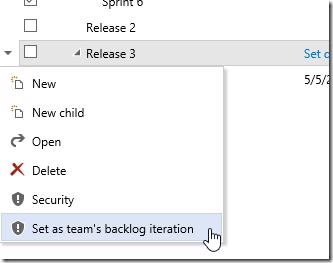
Notice how when you do this all iterations outside the tree of the backlog iteration are "unchecked" and not available for inclusion into the teams backlog iterations
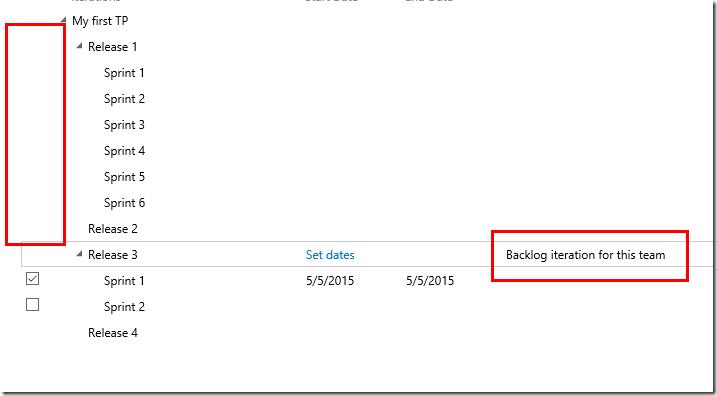
This will reflect in the work tab as well because only checked iterations are shown