Create a new VSTS account

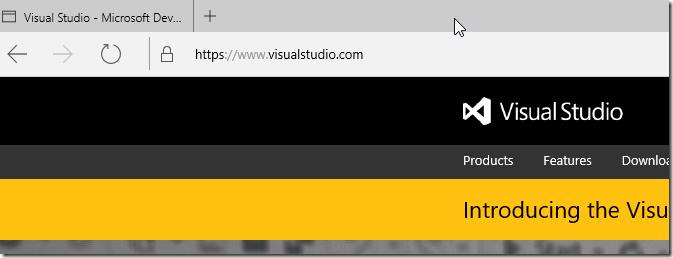
To get this series started we will start with the most basic of activities which is creating a new Visual Studio Online account. Navigate to http://www.visualstudio.com/ in your favorite browser
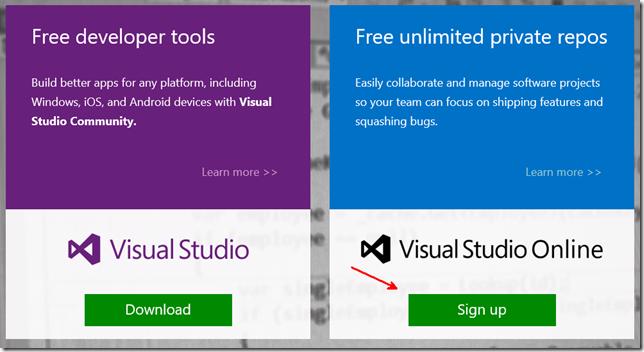
Click Sign Up on the tile on the right
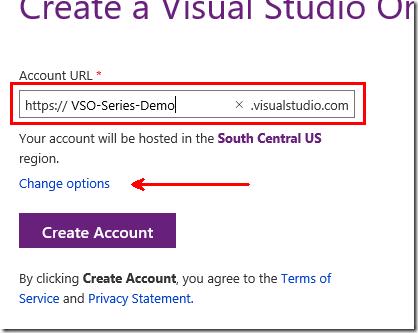
You will then be asked to sign in if you not already and then be redirected to the Create a Visual Studio Online Account page. Enter your account name, note you can click on Change options to select a different region to host your Team Project Collection in which currently supports South Central US and West Europe. Click Create Account when you done and ready to continue
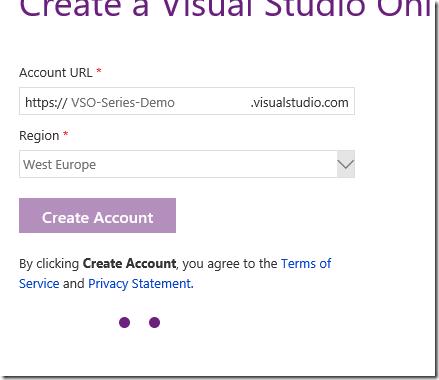
It will then think for a couple minutes
and then redirect to your account page
You are now done with creating a Visual Studio Online account